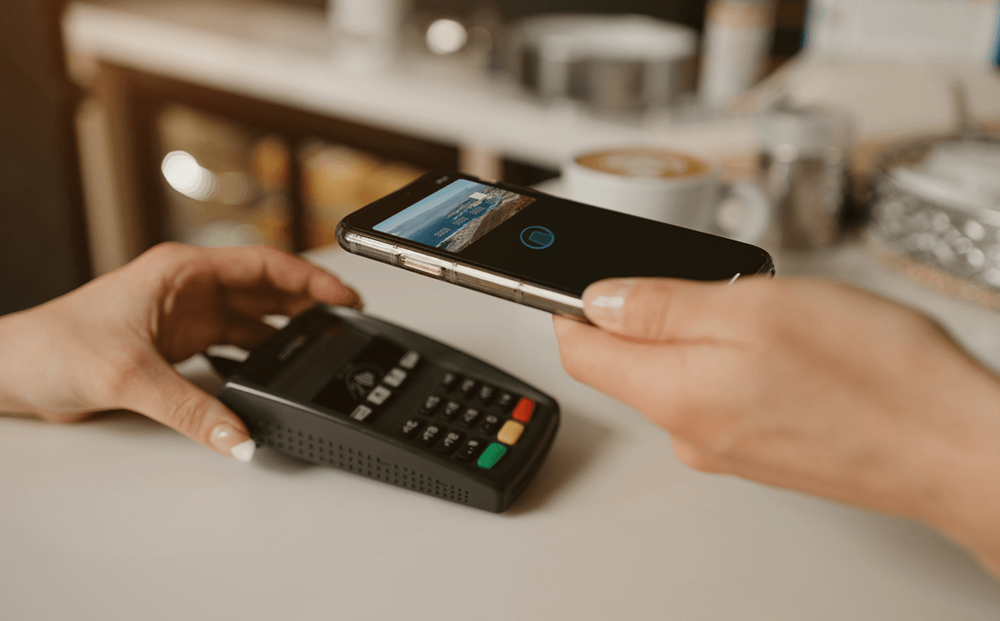
A restaurant POS (point of sale) system is the software that sits at the center of your daily operations. It processes payments, records every transaction, tracks what was ordered and when, and feeds that data into your inventory, reporting, and guest records. For most restaurants, it’s the most-used piece of technology in the building.
The term “point of sale” originally referred to the tool used for a transaction: the till, the receipt, the card reader. However, modern restaurant POS systems have expanded well beyond that. They now sit at the intersection of your front-of-house operations, kitchen, inventory, and guest data. They also affect numerous touchpoints in the restaurant guest journey. Understanding what a POS system does, and what it doesn’t do, helps you make a better decision when it’s time to choose one.
How a Restaurant POS System Works
When a guest places an order, the POS captures the transaction: what was ordered, the table or cover it belongs to, the time, and the payment method used to settle the bill. That data is stored and can be accessed later through your reporting dashboard.
Most restaurant POS systems today are cloud-based, which means your data is accessible from any device: a tablet on the floor, a desktop in the back office, or a phone. Cloud-based systems also update automatically, so you’re not managing software versions. Some systems offer an offline mode for environments with unreliable connectivity, though feature availability in offline mode varies by provider.
Hardware — terminals, receipt printers, card readers, kitchen display screens — is typically purchased or leased separately from the software subscription. Most POS providers will spec out the hardware you need based on your venue size and service style, but it’s worth clarifying costs upfront before signing a contract.
The Features a Restaurant POS System Should Have
The core function of any restaurant POS is payment processing: accepting credit and debit cards, handling split bills, managing refunds, and producing receipts. That’s the baseline. Beyond it, the features that matter most depend on how your venue operates.
- Essential features
Every restaurant POS system should handle order management (sending orders to the kitchen or bar, modifying orders mid-service), sales reporting by shift, day, or period, table or cover assignment, and basic inventory tracking — at minimum, deducting sold items from stock counts. These are the functions a team relies on during service, and gaps here create operational friction every shift.
- Features that matter at scale
For multi-venue operations or higher-volume restaurants, the more important capabilities are multi-location management from a single dashboard, kitchen display system (KDS) integration to replace printed dockets, advanced reporting broken down by server, section, or daypart, and menu engineering data showing which items drive margin and which drag on it. The menu engineering data alone — pairing sales volume against contribution margin — can reshape how you price and position dishes on the menu.
- What a POS system is not
A POS system records transactions. It is not a customer relationship management (CRM) tool. The guest profile a POS builds is limited to purchase history — what was ordered and how much was spent. It doesn’t capture reservation history, special occasions, seating preferences, or communication records. For operators who want to build genuine guest intelligence, a dedicated CRM or reservation management system handles the relationship layer that a POS can’t.
What to Look for When Choosing a Restaurant POS System
The right POS for your operation depends on your venue type, your team size, and what you’re integrating with. Here are a few questions worth answering before you evaluate providers:
- What does your service model require? A fast-casual counter service operation needs different POS logic than a fine dining room managing multi-course tasting menus and wine pairings. Make sure the system can handle your actual service flow, not just a simplified version of it.
- What will it need to integrate with? Your POS will sit alongside other systems: accounting software, inventory management, payroll, and in many operations, a reservation management platform. POS systems that offer open APIs or pre-built integrations with the tools you already use will save significant setup time.
- What does support look like? In a restaurant, a POS outage during a busy service is a serious operational problem. Make sure the provider offers 24/7 support with response times that reflect the reality of F&B operating hours.
- How is pricing structured? Cloud POS providers typically charge a monthly or annual software subscription fee, with hardware costs separate. Pricing usually scales by number of terminals or locations. Transaction fees, payment processing rates, and add-on module costs vary significantly between providers. Compare the total cost of ownership, not just the headline subscription rate.
How a POS System Connects With Your Reservation System
On their own, your POS and your reservation system hold different pieces of the same picture. The POS knows what a guest ordered and spent. The reservation system knows who they are, how often they visit, what occasions bring them in, and how they prefer to communicate. When the two are integrated, that data combines. You can see spend history alongside reservation history, identify your highest-value regulars, and build more targeted follow-up based on actual behavior.
Servme integrates with a range of restaurant POS systems to connect reservation data with transaction data. If you’re looking to close the gap between who your guests are and what they spend, the integration is where that visibility starts. Book a free demo with Servme.
Frequently Asked Questions
Is Servme a POS system?
No. Servme is a reservation and table management platform. It integrates with restaurant POS systems to connect reservation data with transaction data, but it does not process payments or manage orders.
Does a restaurant POS system need an Internet connection?
Cloud-based POS systems require an Internet connection for full functionality. Most offer a limited offline mode that allows basic payment processing and order-taking to continue during connectivity interruptions, with data syncing once the connection is restored. Confirm offline capabilities with any provider you evaluate.
Is hardware included in a POS subscription?
Generally, no. Most cloud POS providers sell or lease hardware separately from the software subscription. This includes terminals, receipt printers, card readers, and kitchen display screens. Some providers bundle hardware into entry-level packages, but it’s typically a separate cost. Always confirm hardware pricing before signing.
How much does a restaurant POS system cost?
Software subscriptions for cloud-based restaurant POS systems typically range from $69 to $400+ per month per location, depending on the tier and features. Hardware costs are additional and vary by venue size. Multi-location operators often negotiate volume pricing. Payment processing fees are charged separately and vary by provider and volume.